If ya wanna have UTC right there,this 67.5k program is very conveinent!!
You can have UTC or reg 12/24hr time

All you need is "aclock.exe" <<>> You can delete all other files with it!!!!!
DOWNLOAD:
http://web.archive.org/web/200302231...les/aclock.exe
Im on Win98se and im assuming everyone here is on XP or above if your on windows..
Just double click and it will place all the files where you want them...
Then put 'aclock.exe' in "Win98 compatibility mode" and it will run fine... (You can delete all other files (I deleted even the folder it came in and put it another folder by itself))
If ya dont want it,you just delete it and then the entry in the reg "irnis.net"
Look how small it is!!!!!!
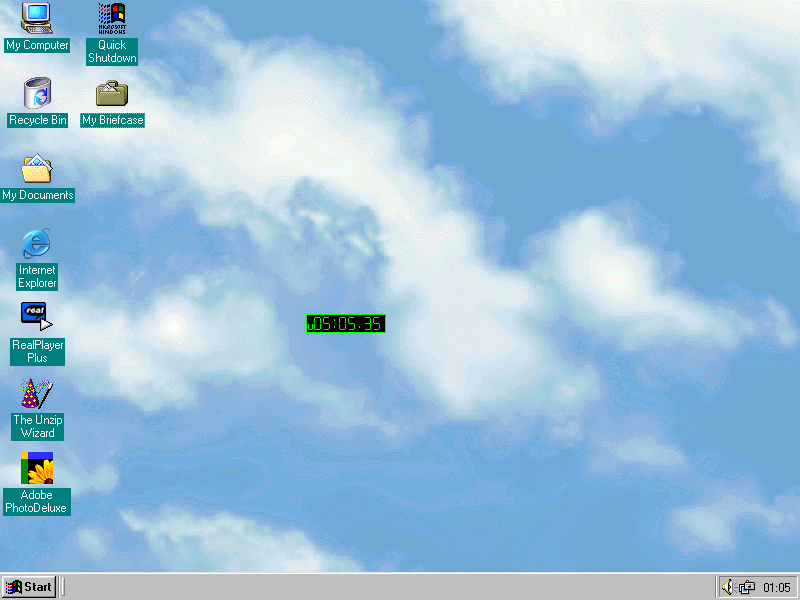
Ah man!!

 Join CF
 You are here: